
-
contact@eIT.com.np Email Us For Free Registration
-
(+977) 9840 130 100 Call Us For Free Registration
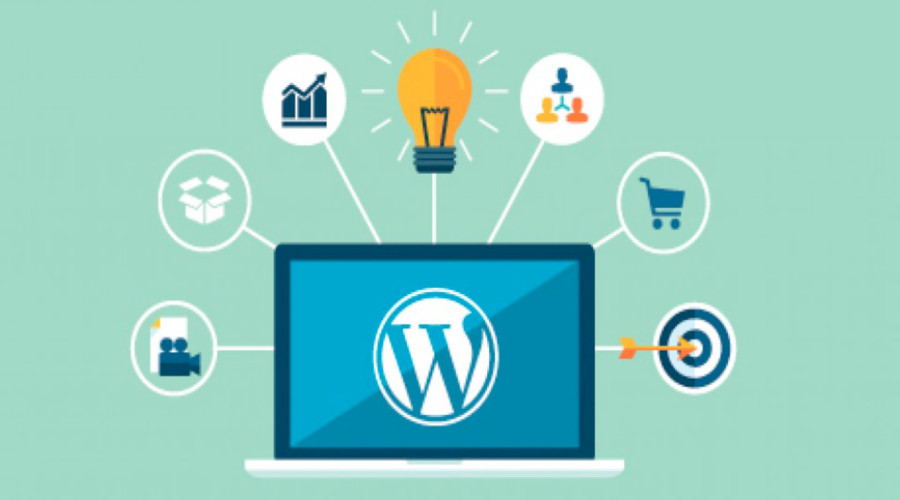
WordPress is a widely-used content management system (CMS) that powers a significant portion of websites on the internet. Originally designed for blogging, it has evolved into a versatile platform capable of creating various types of websites, from simple blogs to complex e-commerce stores and corporate websites.
WordPress is popular because it is versatile, easy to use, and supported by a vast community. Learning WordPress can open up numerous opportunities for web development and online business ventures. It empowers users to create professional websites without needing extensive coding knowledge, making it a valuable skill for entrepreneurs, marketers, and developers alike.
Whether you're looking to start a blog, build an online store, or create a corporate website, WordPress offers the tools and flexibility to bring your vision to life.
WordPress was created by Matt Mullenweg and Mike Little in 2003. It started as a fork of the b2/cafelog blogging platform, which was discontinued. Mullenweg and Little decided to build a new platform that addressed the limitations they had encountered with b2/cafelog. The name "WordPress" was suggested by Mullenweg's friend Christine Selleck Tremoulet, who thought it captured the platform's focus on publishing and writing.
The first version of WordPress was released on May 27, 2003. It included a new admin interface, new templates, and generated XHTML 1.1 compliant templates. In May 2004, WordPress 1.2 introduced the plugin architecture, allowing users and developers to extend the functionality of WordPress by writing their own plugins.
Over the years, WordPress has evolved significantly, adding features like pages, comment moderation tools, and a new theme system. It has grown into a powerful content management system used by millions of websites worldwide. Today, WordPress powers over 43% of all websites on the internet.
